
Access All WhatsApp Accounts on iPhone
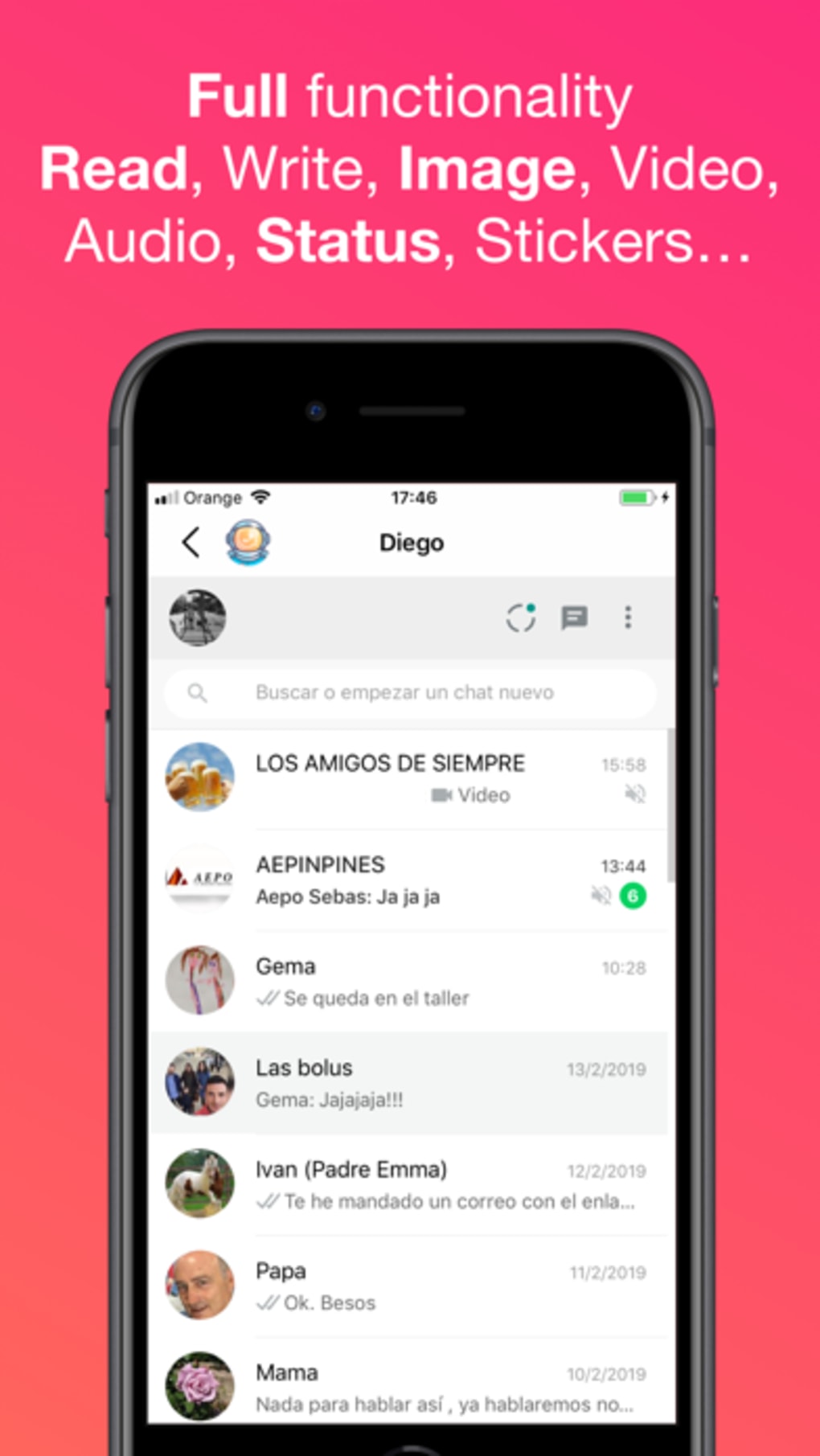
WhatsAgain is a desktop application designed for iPhone users seeking enhanced control over their WhatsApp messaging experience. Developed by PGD Mobile Development S.L., the software enables users to manage multiple WhatsApp accounts directly from their iOS device. It allows access to all WhatsApp accounts stored on the device, including messages that have not yet been delivered or received. This functionality may be particularly useful for individuals managing personal and professional communications through separate accounts.
The application is positioned as a solution for users who require seamless switching between multiple WhatsApp profiles without the need for constant logins or account changes. It also includes an integrated chat function, supporting real-time communication across accounts. The tool is intended for users who prioritize convenience, efficiency, and centralized access to their messaging activity.
Given the developer’s focus on creating unique iOS applications, WhatsAgain appears to be part of a broader effort to deliver innovative tools tailored to the iPhone ecosystem. While specific details about the development team’s background are not provided, the software is built with a clear intent to improve WhatsApp usability on iOS devices.
Key Features & Capabilities
- Multi-Account Management – Users can access and switch between multiple WhatsApp accounts stored on their iPhone without repeated logins or account setup.
- Message Access – The software provides access to all WhatsApp messages, including those that have not yet been received, potentially allowing users to view pending or delayed messages.
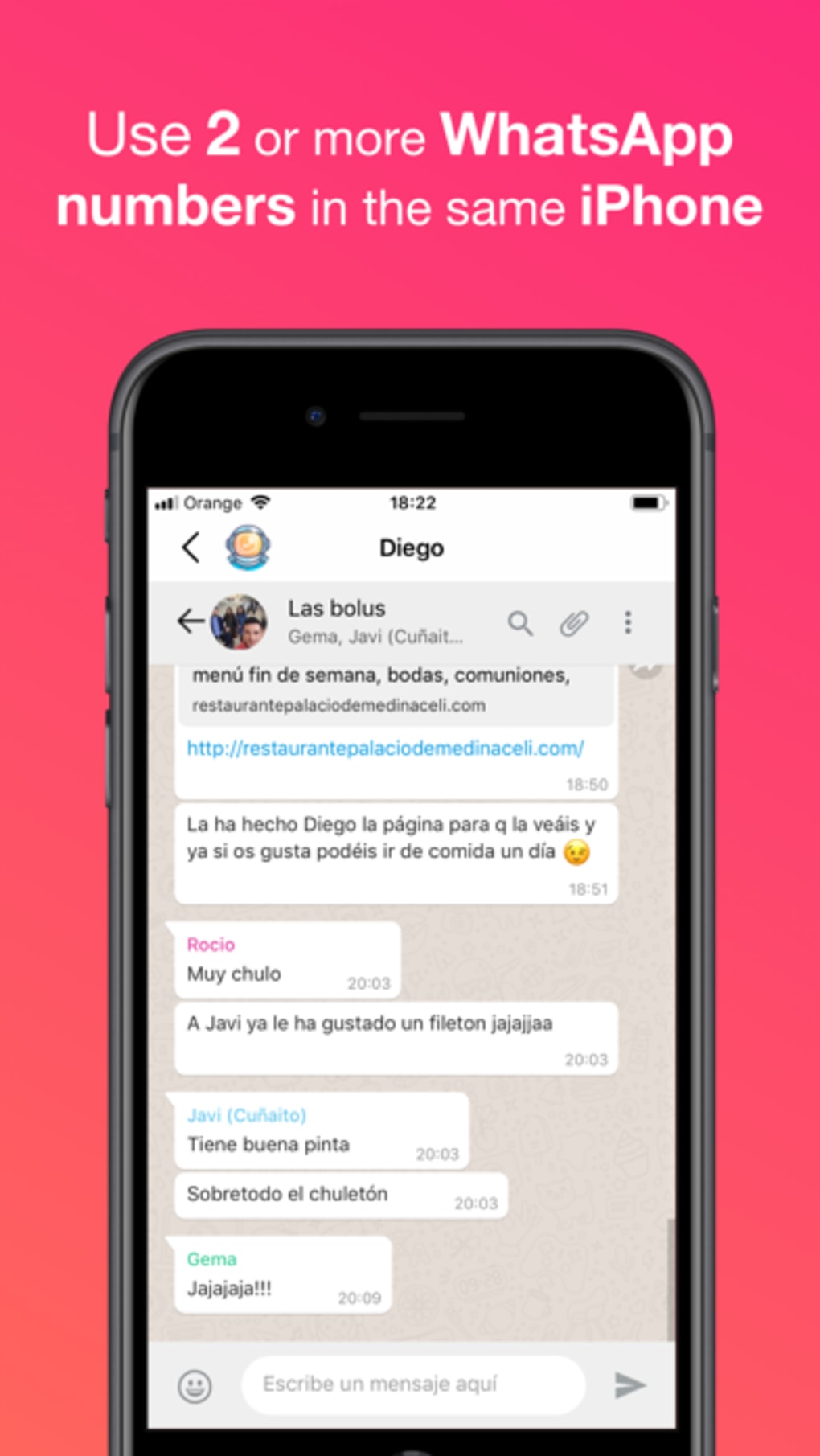
- Integrated Chat Function – A built-in chat interface enables real-time messaging across all linked WhatsApp accounts, streamlining communication workflows.
- Centralized Dashboard – A unified interface allows users to monitor and manage all WhatsApp accounts from a single location, improving workflow efficiency.
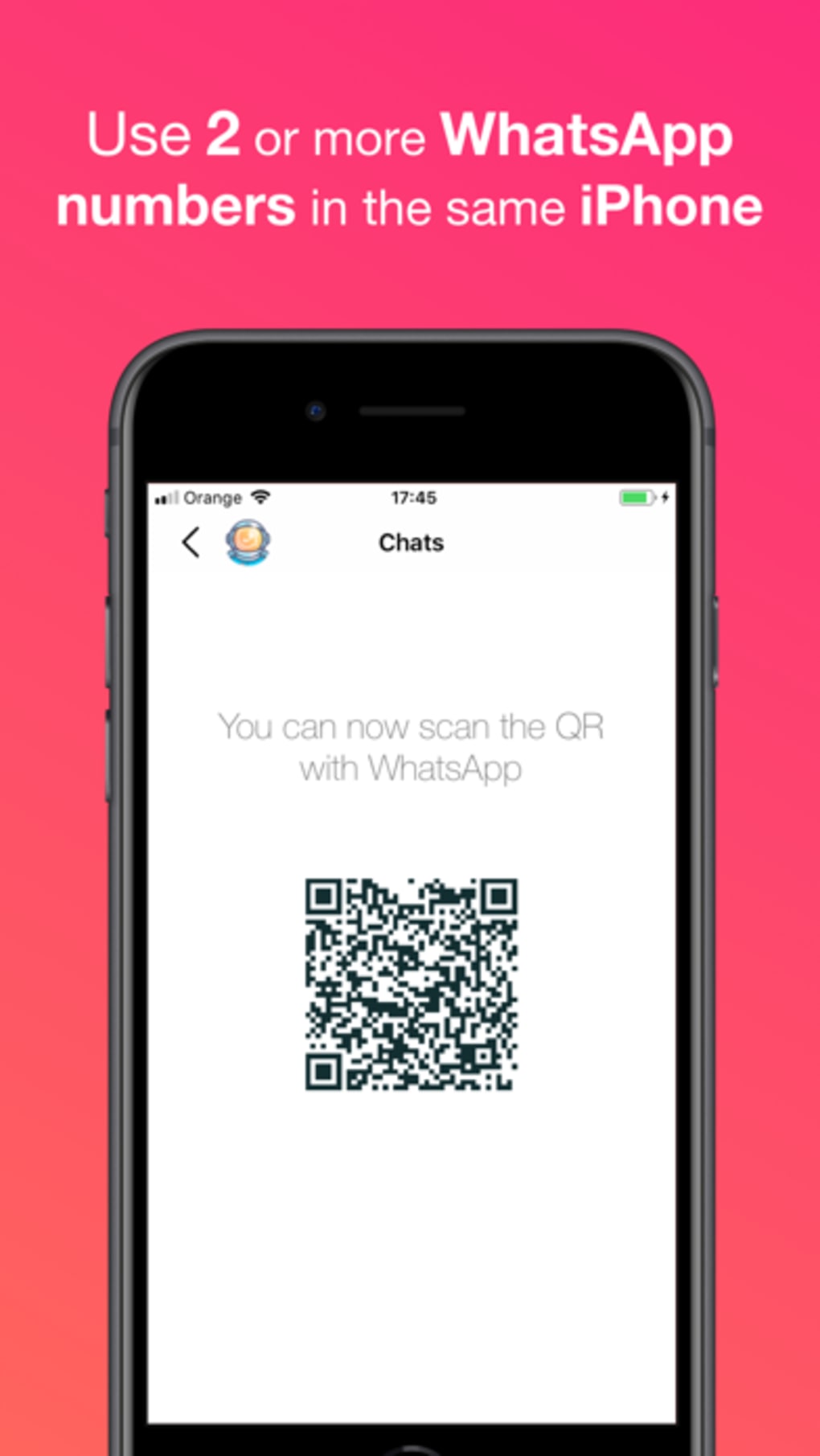
- Account Creation – The tool supports the creation of new WhatsApp accounts directly within the application, simplifying the setup process for new users.
These features are designed to support users who manage multiple identities on WhatsApp, such as freelancers, small business owners, or individuals with separate personal and professional numbers. The ability to access unopened messages may be beneficial in scenarios where message delivery delays occur, though the exact mechanism is not disclosed. The integrated chat function reduces the need to switch between separate app instances, enhancing usability on mobile devices.
User Interface, Workflow & Performance
The user interface of WhatsAgain is structured to support quick navigation between WhatsApp accounts and their respective message threads. The layout appears optimized for touch-based interaction, consistent with iOS design principles. Users can expect a streamlined workflow for switching between accounts, creating new profiles, and initiating chats.
Navigation is likely intuitive, given the application’s focus on ease of use and accessibility. The integrated chat function suggests a unified messaging experience, minimizing the need to open multiple app windows. However, specific details about performance, such as response time, CPU usage, or memory consumption, were not provided by the developer.
Stability and reliability are expected to align with standard iOS application behavior, though no formal testing data or crash reports were shared. The application’s performance may vary depending on device storage, network conditions, and the number of active WhatsApp accounts. The developer did not specify resource usage details, so users should monitor their device’s performance during use.
Compatibility & System Requirements
WhatsAgain is designed exclusively for iPhone devices and is compatible with the iOS operating system. The software version is 1.0.2, with an installation size of 24.7 MB. It is available for download on the iPhone platform, indicating it is distributed through the App Store or a similar distribution channel.
Exact system requirements were not listed, including minimum iOS version or hardware specifications. Compatibility information is limited to the device type and platform. Users are advised to ensure their iPhone meets the general requirements for running standard iOS applications, as no specific constraints were disclosed.
The application does not appear to support other platforms such as Mac, Windows, or Android, limiting its use to iPhone users only. This restriction aligns with the software’s focus on the iOS ecosystem.
Pros and Cons
Pros
- Centralized access to multiple WhatsApp accounts on iPhone
- Ability to view messages not yet received, potentially improving message tracking
- Integrated chat function simplifies cross-account communication
- Supports creation of new WhatsApp accounts within the app
- Lightweight installation size of 24.7 MB
Cons
- No official information on system requirements or compatibility details
- Performance and resource usage not disclosed by the developer
- Only available for iPhone, limiting cross-platform use
- Exact security and data handling practices not specified
- Reliance on iOS ecosystem may affect long-term availability
FAQ Section
Is WhatsAgain compatible with all iPhone models?
Compatibility information is limited to the iPhone platform. Specific model support was not provided by the developer.
Is the software secure to use?
No details were shared regarding data encryption, privacy practices, or security protocols. Users should exercise caution when managing sensitive messaging data.
Does WhatsAgain require an internet connection?
The application likely requires an internet connection to access WhatsApp accounts and messages, though specific usage conditions were not disclosed.
Can I update WhatsAgain automatically?
Automatic update functionality depends on the distribution method. The developer did not specify update behavior.
Is WhatsAgain available for Mac or Windows?
Currently, the software is only available for iPhone. No versions for Mac, Windows, or other platforms were mentioned.
Final Thoughts + CTA
WhatsAgain presents a compelling solution for iPhone users managing multiple WhatsApp accounts. Its ability to centralize access, view pending messages, and support account creation within a single interface offers notable convenience. While performance and security details remain unspecified, the lightweight design and clear functionality make it a viable option for users seeking enhanced WhatsApp control.
Those who frequently switch between personal and professional WhatsApp profiles, or who need to monitor incoming messages across multiple numbers, will benefit most from this tool. The free pricing model further enhances its accessibility.
Download WhatsAgain now to streamline your messaging experience on iPhone.







